 PixBooth
◉Photo video, looping
Photo
Full camera quality, rendered instantly on your template.
For Mac · Canon · Sony
Plug in your camera, pick a template, and let your guests create memories they’ll want to share.
Capture modes
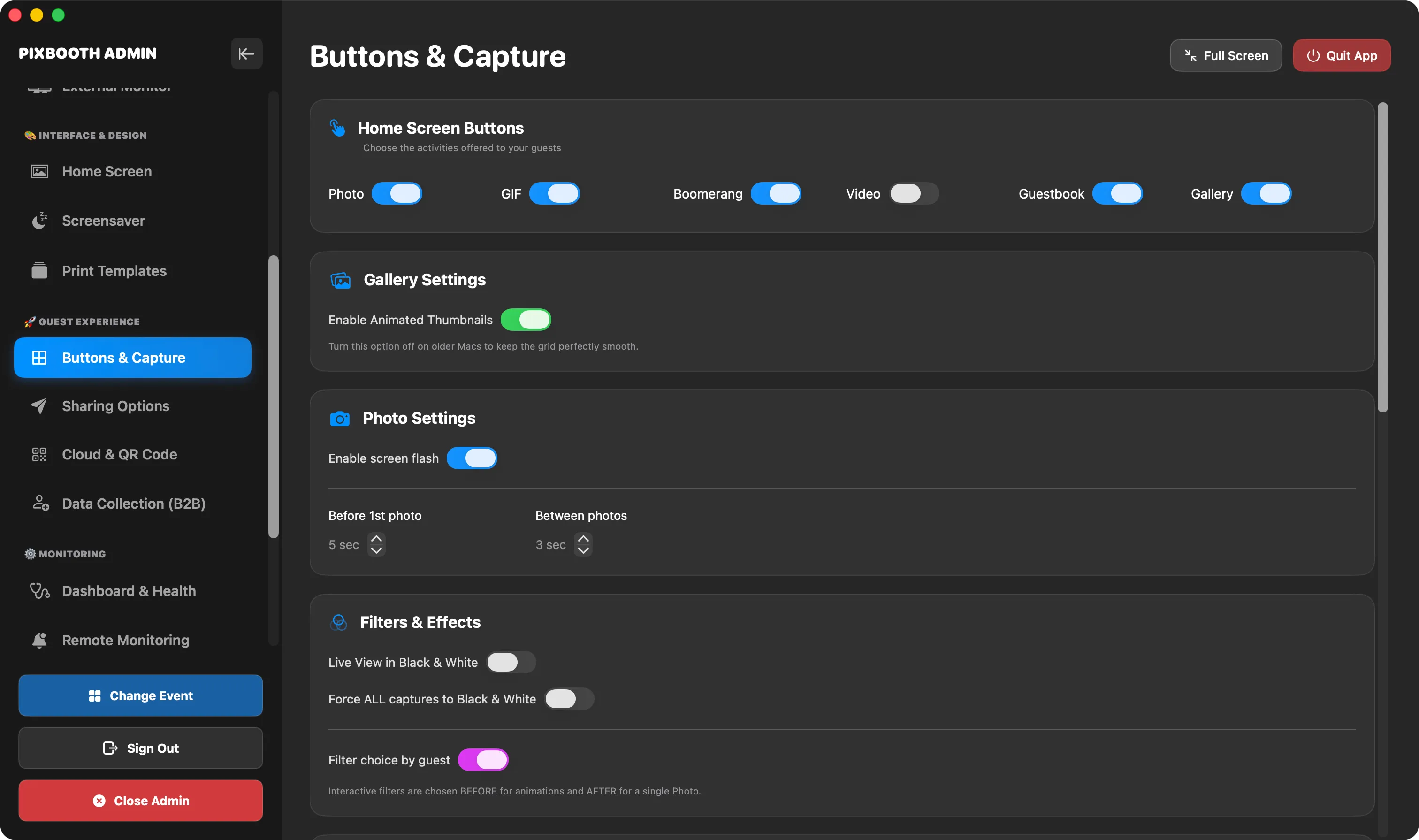
Full camera quality, rendered instantly on your template.
An animated burst, ready to share.
The back-and-forth loop that makes guests laugh.
Short clips shot with your own camera.
Your guests’ messages, with picture and sound.
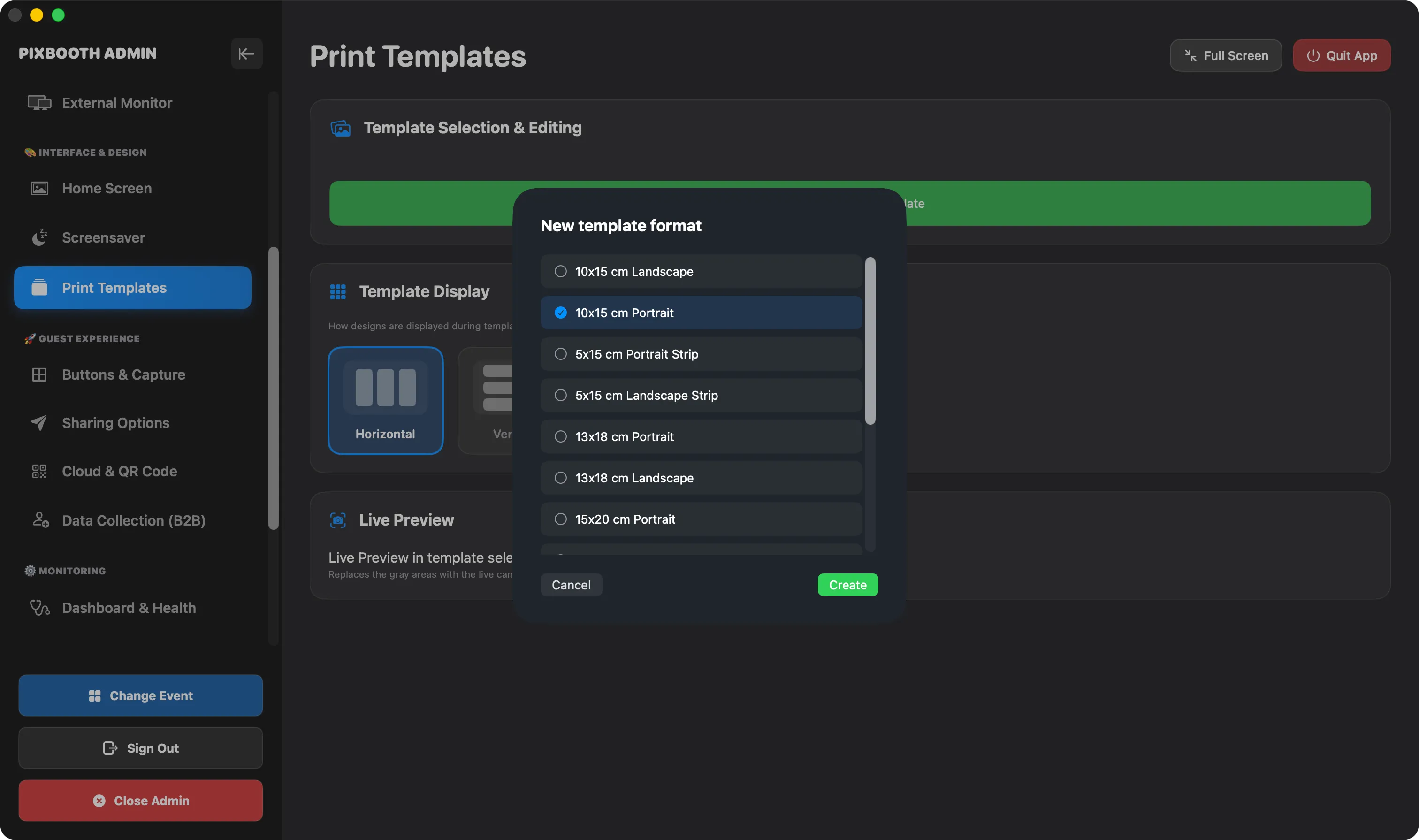
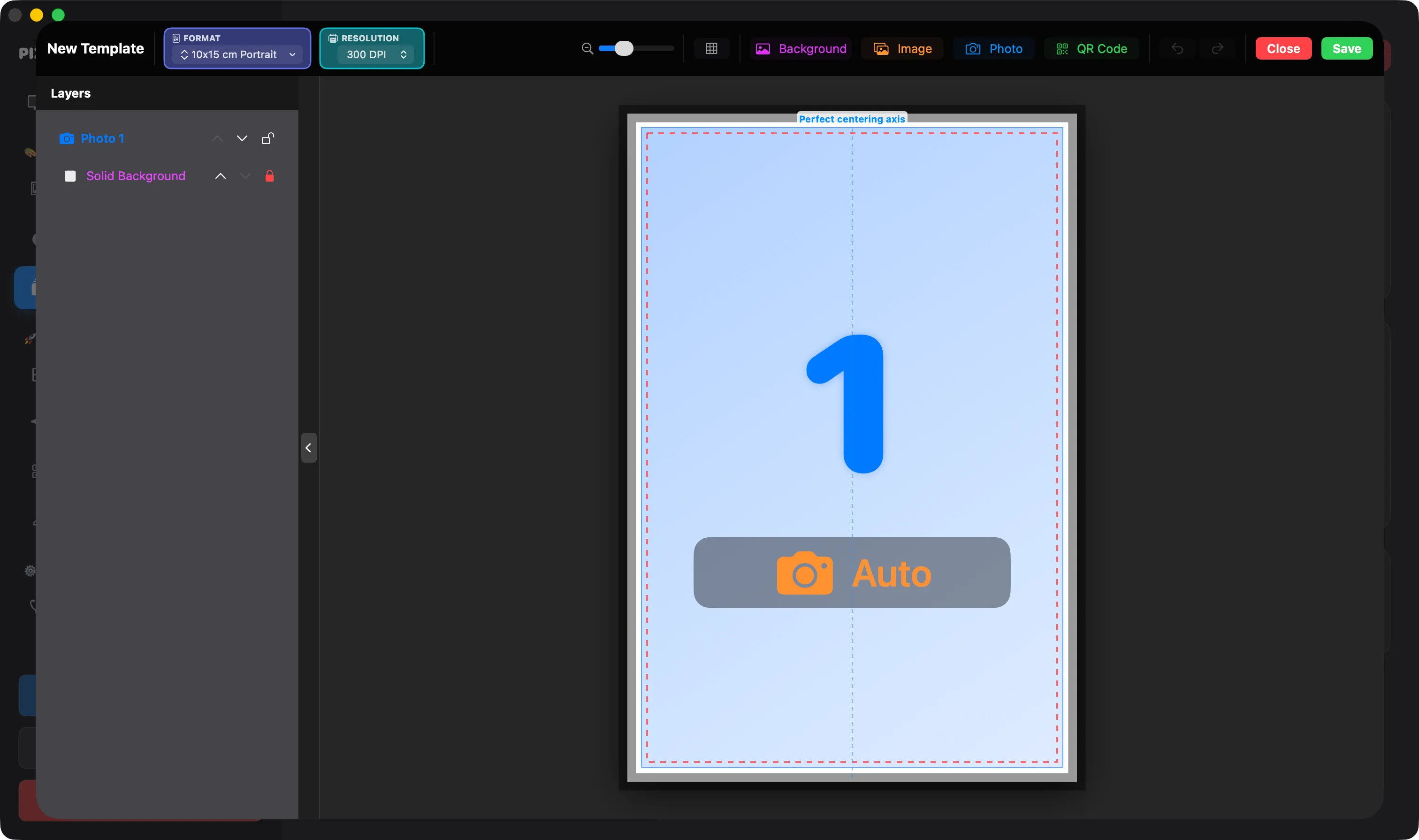
Template editor
Strip, postcard or square: start from a preset or a blank page.
Drag the slots, adjust the margins and preview live.
Logo, fonts, background, event text: the result is ready to print.
For guests
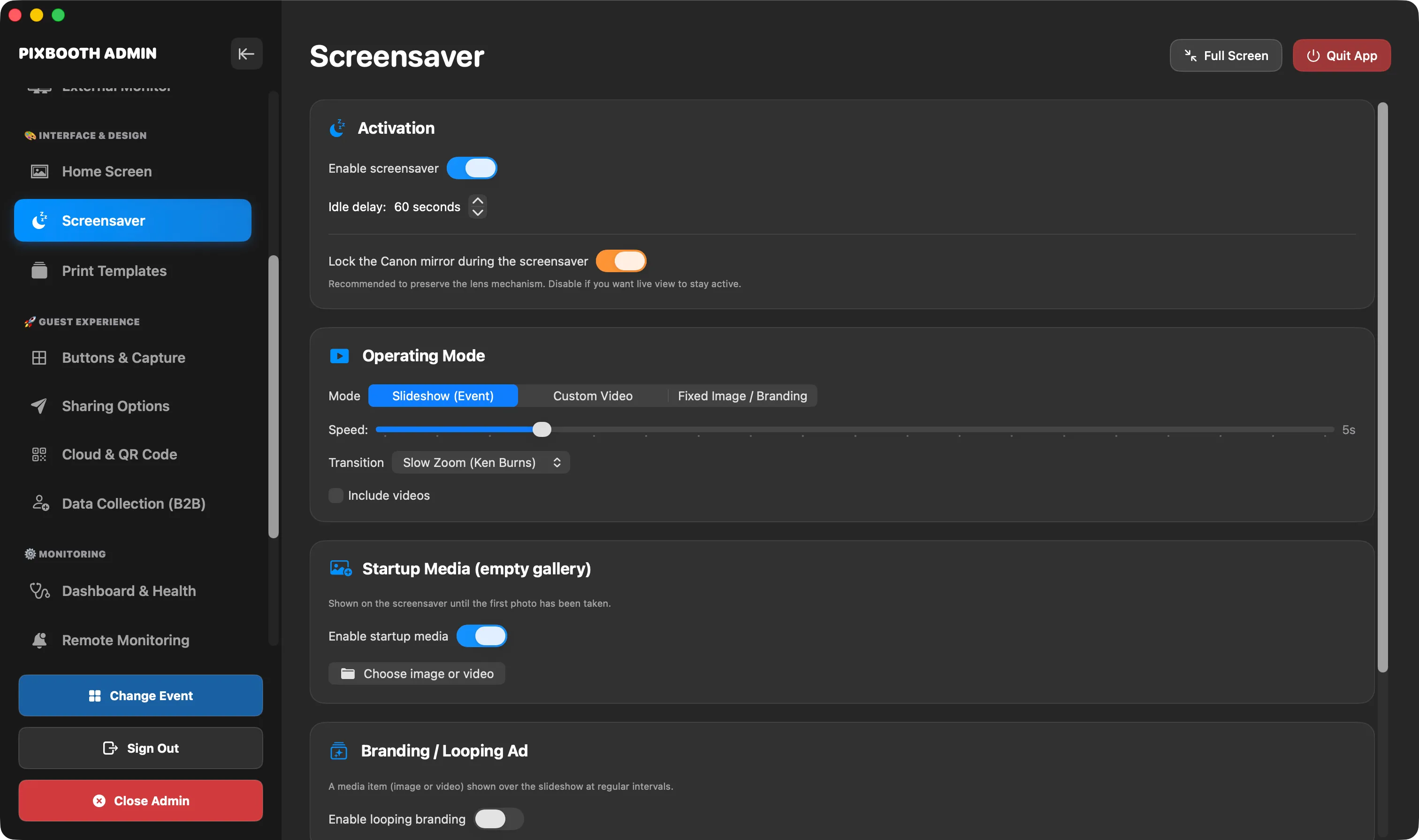
An animated screensaver draws guests in.
Live view, countdown and shutter release on your Canon or Sony.
Black and white, vintage, glow: guests pick their look.
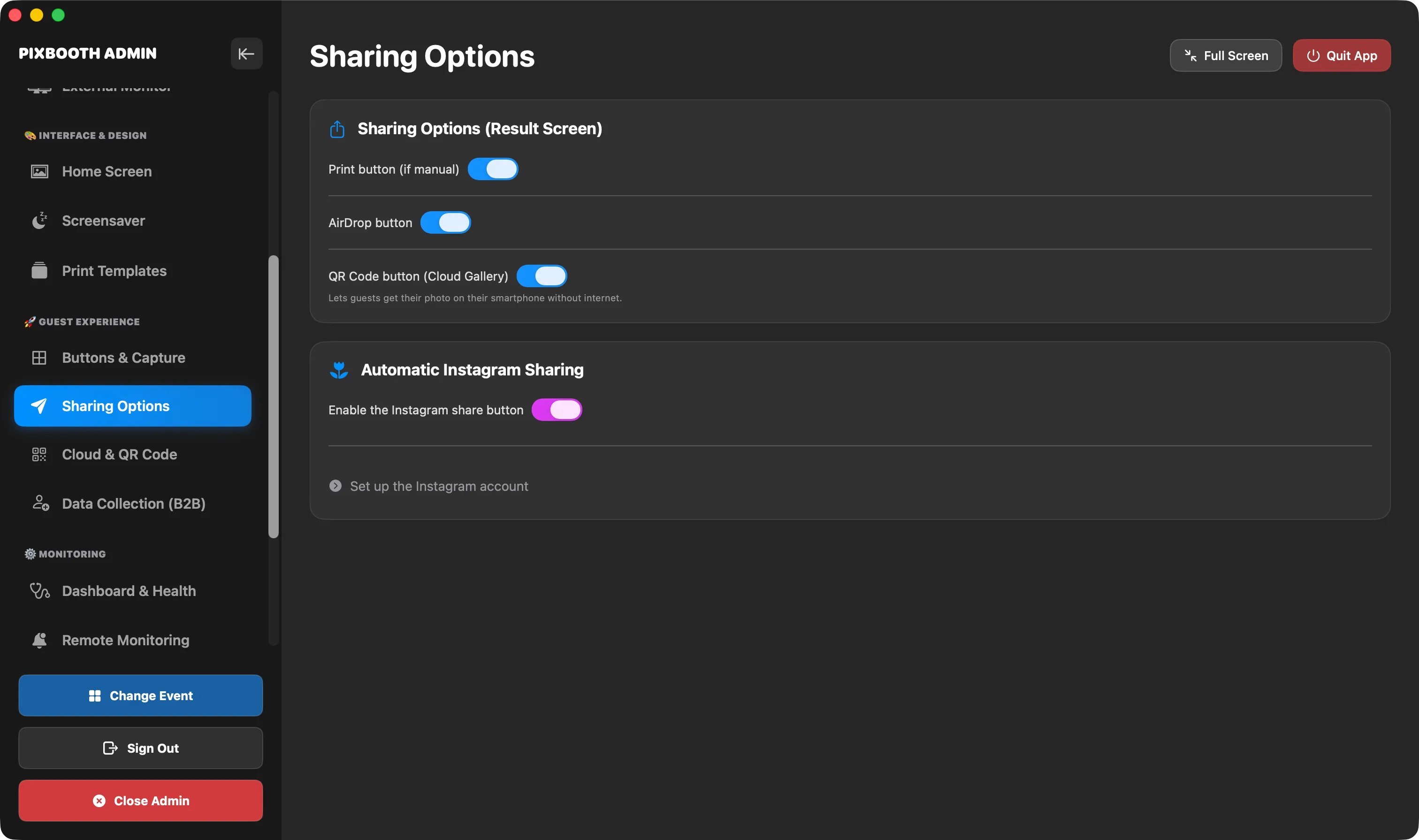
QR code, online gallery, AirDrop and paper prints.
For professionals
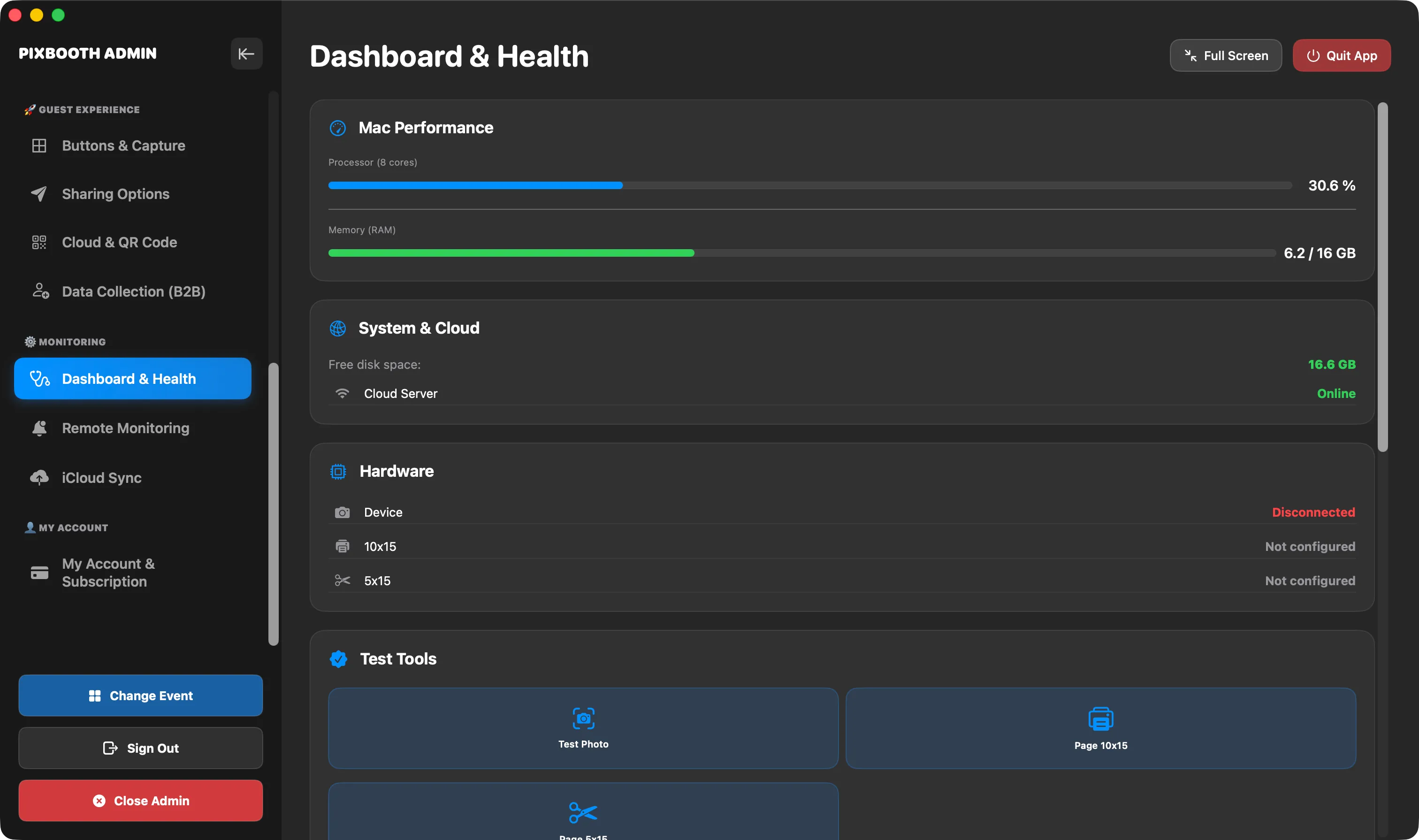
The tools that make the difference when you work event after event.
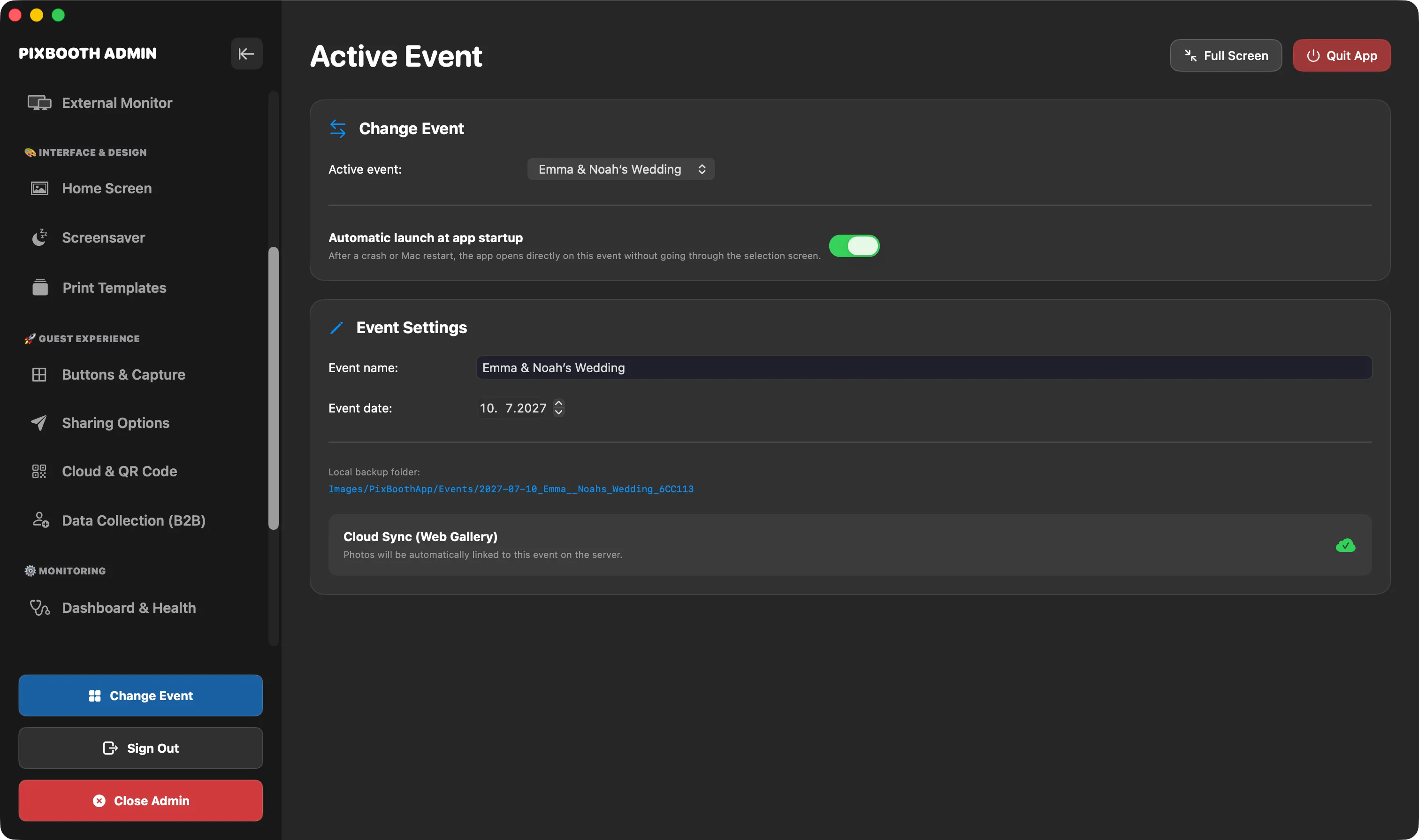
Collect emails and consents during the event, then export them.
Show the guest interface on a monitor or an external booth.
Switch events or pause from another device.
Battery, storage, printer: you’re alerted before anything fails.
A watchdog restarts the session if the camera or the app drops out.
Your events and templates follow you across all your Macs.
Gallery
Pricing
Free
$9.99 / month
$19.99 / month
Canon (EOS, via EDSDK) and Sony (Alpha, via Camera Remote SDK) cameras connected by USB. A detailed list is coming soon.
Not for shooting and printing. QR code sharing and the online gallery need a connection.
Any printer recognized by macOS, including the dye-sublimation printers used at events.
macOS 26 or later, on an Apple Silicon Mac.
Yes, you manage your subscription from the My Account screen in the app, with no commitment.